
Run the whole expo from one dashboard.
The organizer app follows the expo from the first date you pick to the published results. Each stage tells you what is done, what is waiting, and what is blocking the next step.
From set up to palmarès
Ten ordered stages. Some open as soon as the one before is ready, others wait for a date you chose.
Set up
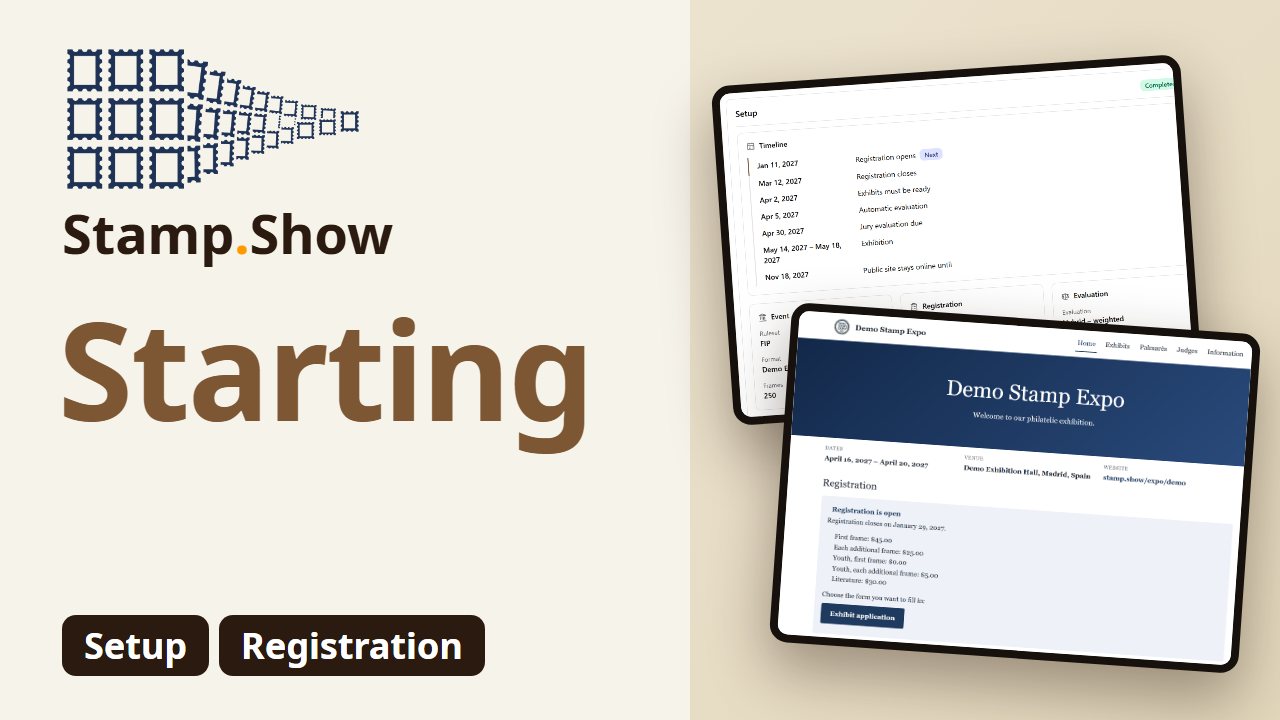
Choose the ruleset, dates, venue, registration rules, fees and evaluation mode, then finish Setup to lock them in. A timeline shows every date at a glance.
Registration
Exhibitors register themselves, or you import them from a CSV. Approve entries automatically or one by one, and follow the live counts.
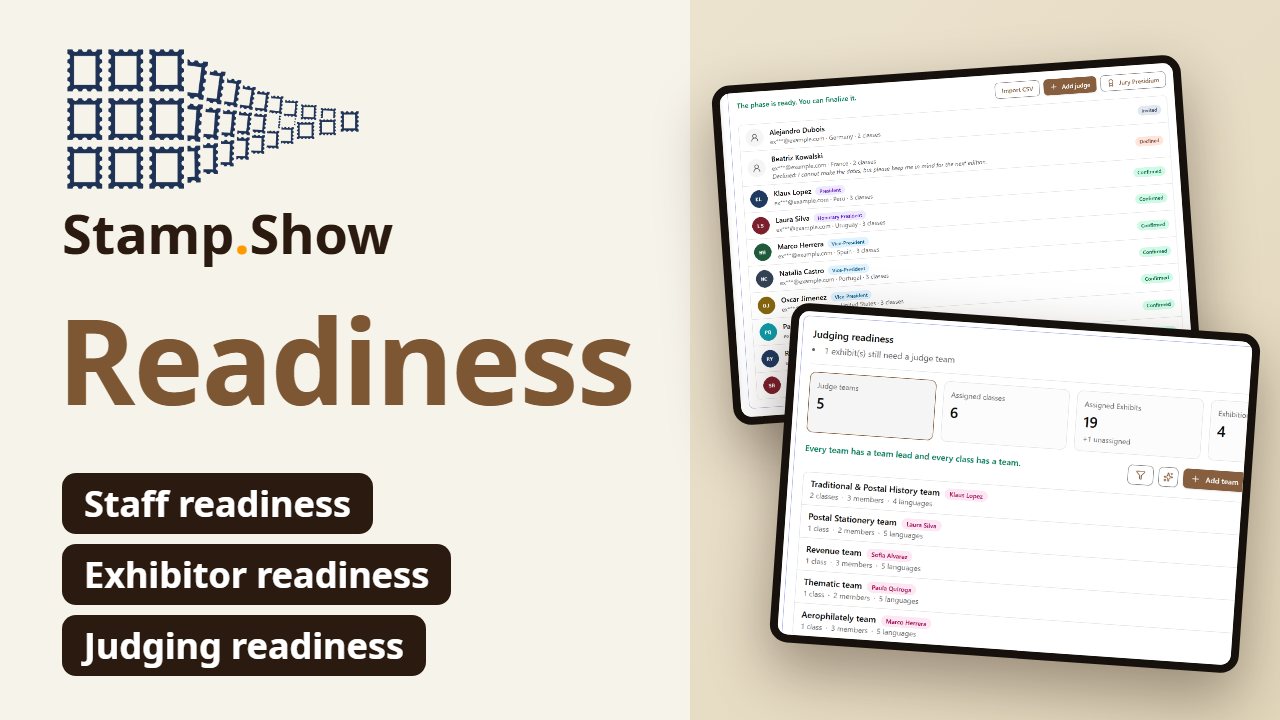
Staff readiness
Invite judges by e-mail. They confirm their details and the classes they can judge. Then build a team per class and name its lead. Name a commissioner per country: the bridge between you, the jury and the exhibitors of that country.
Exhibit readiness
Send exhibitors their portal links and track who has an exhibit complete and submitted. In an in-person expo, each commissioner then checks the exhibits against the real pages and signs them off.
Judging readiness
Assign every exhibit to a judge team and a frame group. Catalogue numbers follow from the groups.
Evaluation
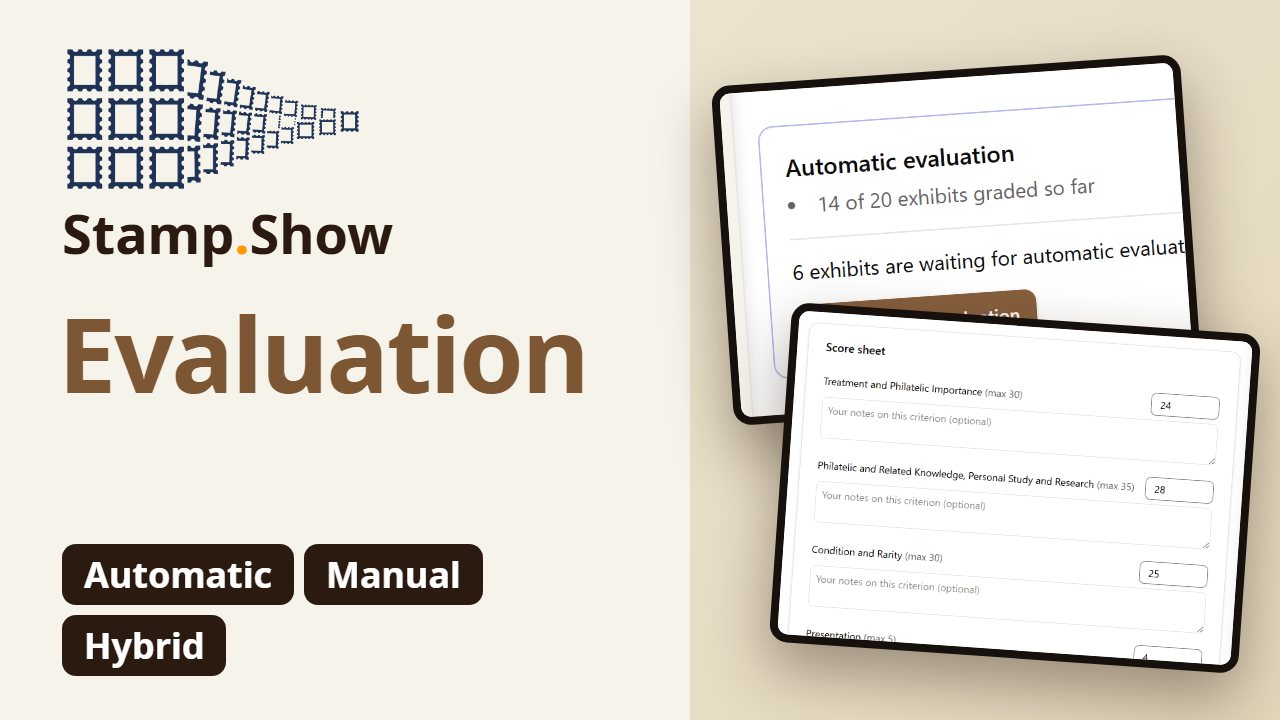
Judges score in the Jury Room, the automatic evaluation runs on the date you set, or both, depending on the mode you chose.
Final review
Approve the Gold and Large Gold scores before they become final.
Grand Prix
Teams nominate their best exhibits and the Grand Jury votes the Best of Show.
Special prizes
Create named prizes and assign them to exhibits.
Results
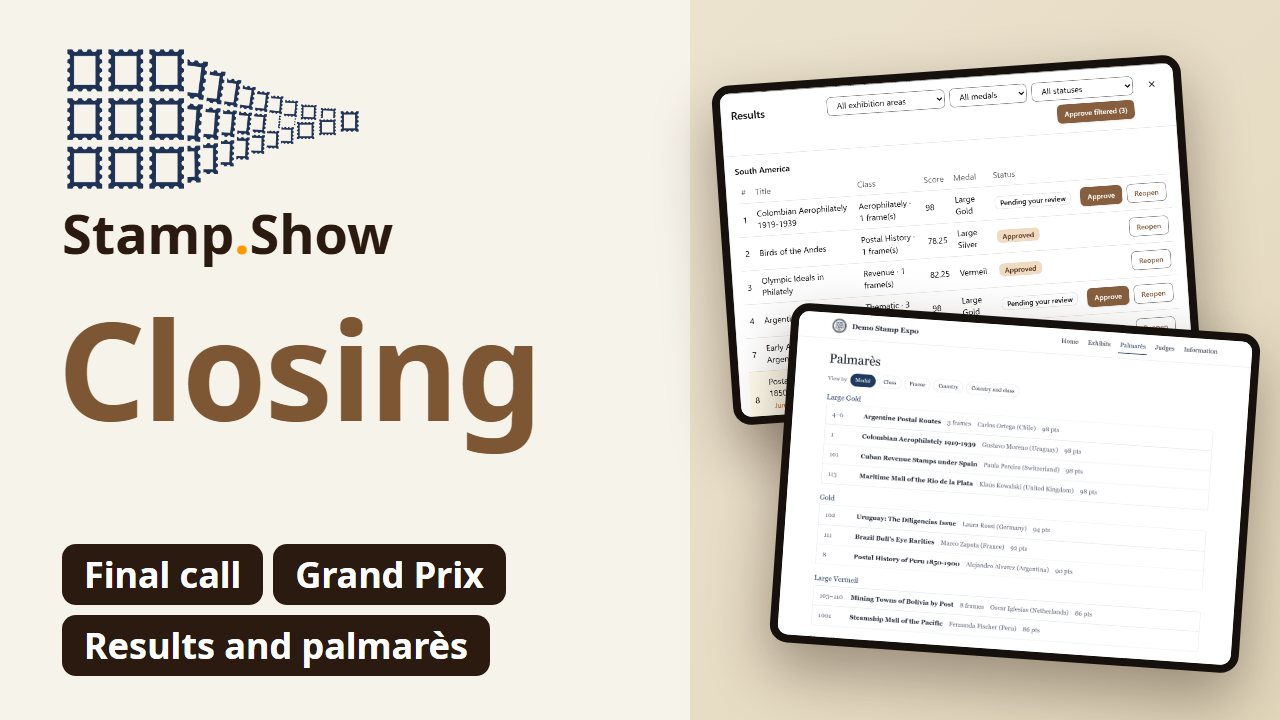
Publish the palmarès at once or on a date you set. Exhibitors read their results and the public site shows the awards.
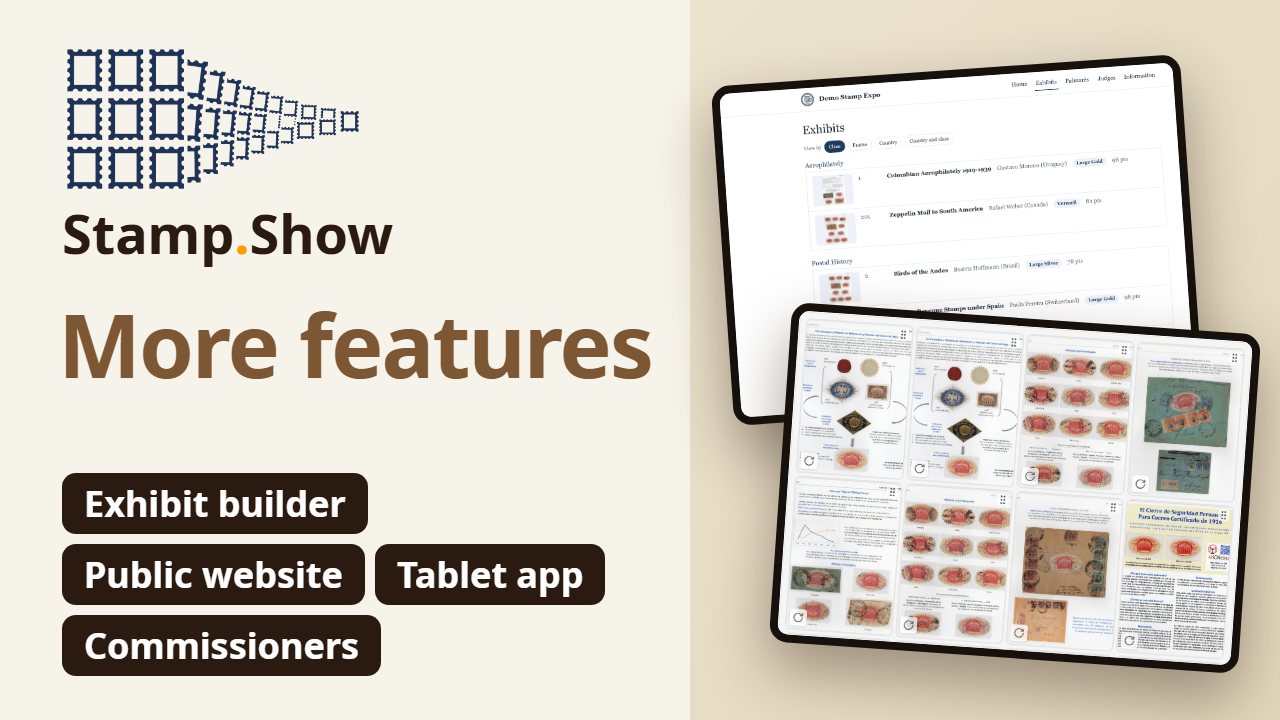
Use it online, on Windows or on a tablet
Everything starts in the web app. When you need to keep working without a connection, take your expo with you.
Online
Nothing to install. Open Stamp.Show in any modern browser and run the whole expo, from set up to published results.
Windows
Stamp.Show Organizer for Windows 10 and 11 keeps a copy of your expo on your PC, so you can keep working with no connection and publish when you are back online. Download it from GitHub.
Android tablets
Stamp.Show Organizer for Android tablets, from Google Play. Download your expo before you leave for the venue, work through the day with no signal and publish when you are back online.
Registration your way
Not every exhibition collects entries the same way, so you can combine several.
Registration form
Exhibitors register in the expo's own portal. Approve them automatically or review each one.
Uploaded forms or CSV
Use your own PDF forms, or upload a CSV of the entrants you invited directly.
From your own system
Create an API key and send entries from your own registration system. The API documentation explains how.
Judging that fits your exhibition
Choose the mode in Setup, and let the platform keep the rest in order.
Manual
Judges score every exhibit themselves in the virtual Jury Room, in teams, against the criteria of your ruleset.
Automatic
Every entry is scored automatically against FIP or APS criteria, with commentary, on the date you choose.
Hybrid
Blend the judges' scores with the automatic result, using a weight you set.
Assisted
Judges see the automatic evaluation first, then enter their own score, which is the one that counts.
Questions about organizing
Do I need technical skills to set up an expo?
No. Setup is a guided form, and the public website is built from a form with a live preview. A help button in every screen explains the page you are on.
Can the expo be virtual, or in person and online?
Yes. Choose Virtual or Traditional in-person in Setup. Virtual exhibits go straight to evaluation. In-person ones are first checked by the commissioner of the exhibitor's country, who has the physical pages, and only the verified ones are evaluated.
Are automatic results final?
No. Automatic evaluation gives your jury a documented starting point. On expos with human judging, results are approved by the organizer before they are published.
What if I made a mistake in Setup?
Dates and ruleset lock when you finish Setup. If you finished too early, contact support and an administrator can reopen the stage.
On which devices can I run my expo?
On any computer with a modern web browser, in the Stamp.Show Organizer app for Windows 10 and 11, and in the Stamp.Show Organizer app for Android tablets. The web app and the apps work on the same expo and the same account, so you can switch between them at any time.
Can I organize a stamp exhibition offline?
Yes. In the Stamp.Show Organizer app for Windows or for Android tablets, download your expo while you are online and keep working with no connection. Your changes stay on the device as drafts, and nothing reaches your exhibitors until you review and publish them. Signing in, publishing, importing a CSV file and verifying a domain need a connection.
Is there a Stamp.Show Organizer app for Mac, iPad or iPhone?
Not yet. On a Mac or an iPad, use the web app in your browser: it covers the whole expo. The offline apps exist for Windows and for Android tablets.
How do I install Stamp.Show Organizer on Windows?
Download the installer from the latest release on GitHub and run it. It installs for your user only, with no administrator rights. Windows may show a "Windows protected your PC" notice for a new program: choose More info, then Run anyway. The app updates itself afterwards.
Is the expo data on my PC or tablet safe?
Yes. The copy of your expo on the device is encrypted, your sign-in is kept in the system's secure store, and the Android tablet app requires a screen lock. You sign in through your browser, so the app never asks for another password.
Planning an exhibition?
Create your organizer account and start setting up your expo today.